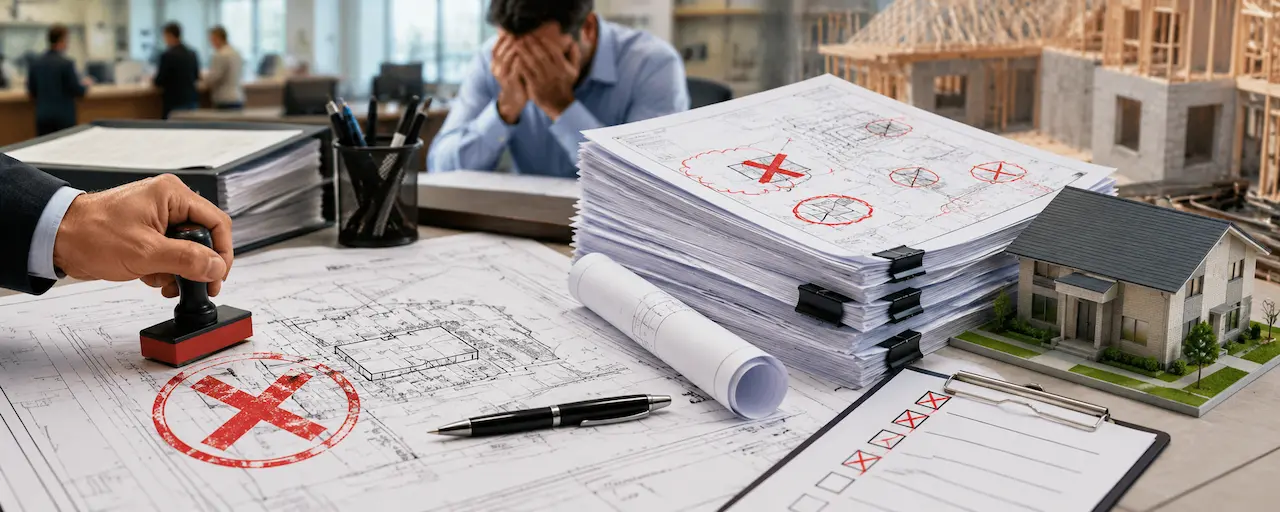
A rejected permit application is one of the most frustrating experiences a homeowner or contractor can have. The project is ready to start. The contractor is scheduled. And then the building department sends back a correction notice with a list of things that are wrong with your site plan.
I’m Engineer Wasim. My team fixes rejected site plans daily. In this guide, I’ll walk through every common rejection reason what it means, why it happens, and exactly what needs to change.
If your plan has already been rejected, use our Permit Rejection Analyzer to identify your specific issues and get a fix started fast.
Why Permit Reviewers Reject Site Plans
Building departments don’t reject site plans to be difficult. They reject them because something they need to evaluate permit compliance isn’t there.
The reviewer needs to answer specific questions: Is this project far enough from the property lines? Does the impervious surface stay under the maximum? Are all existing structures accounted for? If the drawing doesn’t give them what they need to answer those questions, the permit goes back.
Most rejections are completely preventable.
The Most Common Site Plan Rejection Reasons
1. Missing Setback Dimensions
This is the single most common rejection reason across all 50 states.
What the reviewer sees
A plan showing the proposed pool, shed, deck, or addition but without labeled distances from the structure to the property lines.
Why it’s rejected
The reviewer cannot confirm setback compliance without explicit dimensions. Even if the structure looks compliant visually, they need the numbers to verify it. “Looks about right” is not permit approval.
How to fix it
Add dimension arrows from every property line to the proposed structure. Label all four: front, rear, left side, right side. Use feet. Be exact.
2. Incorrect or Missing Scale
What the reviewer sees
A drawing labeled “not to scale” or a plan where the stated scale doesn’t match the actual dimensions.
Why it’s rejected
If the plan isn’t drawn to scale, the reviewer can’t use it to verify any dimension. It becomes impossible to confirm setback compliance, building footprint size, or impervious surface calculations.
How to fix it
Draw the plan to a stated scale usually 1 inch equals 20 feet for residential. Include a graphic scale bar in addition to the written scale. If submitting digitally, confirm the PDF renders at the correct scale.
3. Existing Structures Not Shown
What the reviewer sees:
A plan showing a proposed pool, but no existing garage, shed, or patio that’s visible on satellite imagery.
Why it’s rejected:
Every structure on the property must appear on the permit site plan. The reviewer is evaluating total lot coverage and the overall site layout. If structures are missing, the impervious surface calculation is wrong, and the reviewer can’t evaluate the complete picture.
How to fix it:
Walk the property. Document every structure — house, garage, detached shed, pool (if existing), patio, fence, driveway. Add all of them to the plan with dimensions.
4. Impervious Surface Not Calculated
What the reviewer sees:
No lot coverage or impervious surface calculation on the plan.
Why it’s rejected:
Many cities and counties impose a maximum impervious surface ratio — typically 50 to 65 percent for residential zones. Adding a pool deck or patio may push the property over the limit. The reviewer needs the math to verify compliance.
How to fix it:
Calculate: all existing hard surfaces (house roof, garage, driveway, patios, walks) + proposed new hard surfaces. Express as a percentage of lot area. Compare to the maximum allowed. Show the calculation on the plan.
5. North Arrow Missing
What the reviewer sees
No north arrow on the drawing.
Why it’s rejected
Without a north arrow, the reviewer can’t identify front yard, rear yard, or street frontage — which means they can’t verify front, rear, and side setbacks.
How to fix it
Add a north arrow, clearly labeled “N” or “North.” Put it in a consistent corner of the drawing.
6. PE Stamp Missing for Commercial Work
What the reviewer sees
A commercial permit application with an unstamped site plan.
Why it’s rejected
Most jurisdictions require a licensed PE to review and seal commercial drawings. Without the stamp, the application cannot be processed.
How to fix it
Get a PE stamp. Our PE Stamp service includes engineering review, corrections, and the PE’s signature and seal on the final document.
7. Title Block Incomplete
What the reviewer sees
A drawing missing the property address, owner name, preparer name, or date.
Why it’s rejected
The title block is how the building department tracks and organizes your application. Missing information creates administrative problems.
How to fix it
Include a complete title block: property address, parcel ID, owner name, preparer name (and license number if required), date, revision block, and scale.
8. Wrong File Format for Digital Submission
What the reviewer sees
A file that doesn’t open correctly in the county portal, or a file named incorrectly.
Why it’s rejected
County digital portals have specific requirements — usually PDF, under a certain file size, with specific naming conventions. Orange County FastTrack, for example, requires exact file naming conventions and will reject files with naming errors.
How to fix it
Check your county portal’s submission requirements before uploading. PDF is universally accepted. File size limits are usually 25 MB.
9. Pool Barrier Non-Compliance Notes
For pool permits specifically, missing barrier compliance information is a common rejection reason. Florida is particularly strict under F.S. 515.29 — the barrier must be at least 48 inches high, gates must self-close and self-latch, and the barrier must be at least 20 inches from the water’s edge.
For Florida pool permit rejections, our Florida Permit Rejection Analyzer at Site Plans FL provides specific FL code citations and fix steps.
How to Fix a Rejected Site Plan
If your site plan was returned with a correction notice:
- Read the correction notice carefully and list every item
- Use our Permit Rejection Analyzer to identify what each comment means and what needs to change
- Send us the correction notice — we’ll review it and prepare updated drawings
- Resubmit before the deadline (10 business days in Florida under F.S. 553.792)
At Site Plans Online USA, we fix rejected site plans and prepare corrected submissions quickly. Send your correction notice to Contact Us.
Free tools:
Also read:Site Plan for Permit — Complete Guide | Site Plan Requirements for Building Permits